

| | |  | Accessories | Home » » » Coolerguys Programmable Thermal Fan Controller with LED Display | | | | | | | Description: | | Coolerguys Programmable Thermal Fan Controller with LED Display - New Updated Model we listened to your complaints, all units now have a display only 30% as bright as our first revision and you can now turn the display completely off if you want to (it will still function as normal) To turn off the display: hold the C/F button in for 5 seconds, repeat to turn them back on
This thermal control unit allows complete control over the temperature at which 12v devices plugged through it will turn on and off Features: 24" Thermal Probe (optional 48" and 72" probes available) 4 3pin connectors 4pin Molex pass through connector 4 Segment LED Display Option to switch between Fahrenheit and Celsius Display Fully Programmable from 32-211F (0-100C) (On temperature must be at least 2F/1C above turn off temperature) Can handle up to 2A worth of devices Works with all 12v devices from fans to lights Size: Device: 71mm x 40mm x 17mm Cutout: 68mm x 37mm
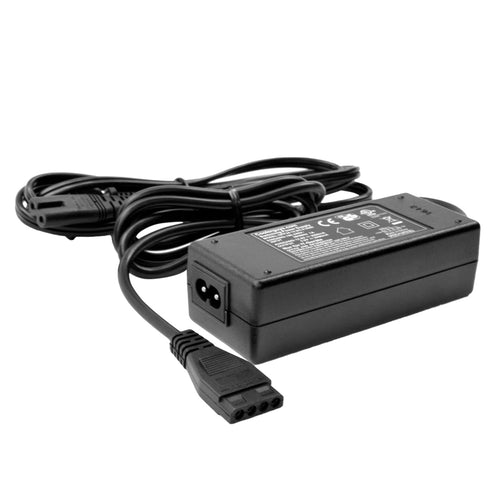
This unit does require a power supply that has both 12v and 5v power lines, it presently works with computer power supplies and our Model #840556029977 2A AC-DC adapter Instructions: Start: Press once and the start up temperature will blink, use the right Up/Down buttons to set the temperature (note: it must be at least 2F/1C higher than the turn off temperature) press Start button again to return to the real time readout. Stop: Press once and the turn off temperature will blink, use the right Up/Down buttons to set the temperature (note: it must be at least 2F/1C lower than the turn on temperature) press the stop button again to return to the real time readout. C/F or Up: Will change display to and from Fahrenheit and Celsius or will increase the temperature when in the Start or Stop programming mode. Down: Will decrease the temperature when in the Start or Stop programming mode. Not tested at extreme temperatures | | | Features: | |
• Complete control over the temperature at which 12v devices plugged through it will turn on/off
• 4 3pin 12v connectors, 24" Thermal Probe
• Option to switch between Fahrenheit and Celsius Display
• Can handle up to 2A(2,000ma) worth of devices
• New Updated Model! As of December all units have a display only 30% as bright and you can now turn it on/off
| | | Product Details: | | | Product Weight:
| 0.5 pounds | | Package Length:
| 3.7 inches | | Package Width:
| 2.7 inches | | Package Height:
| 2.0 inches | | Package Weight:
| 0.15 pounds | | Average Customer Rating:
| based on 8 reviews |
| | | | Customer Reviews: | |
Average Customer Review:
( 8 customer reviews )
Write an online review and share your thoughts with other customers.
Most Helpful Customer Reviews
3 of 3 found the following review helpful:
Display a bit bright, but intuitive and easy to useSep 06, 2011
By D. C. Jones
"Traveling Hombre"
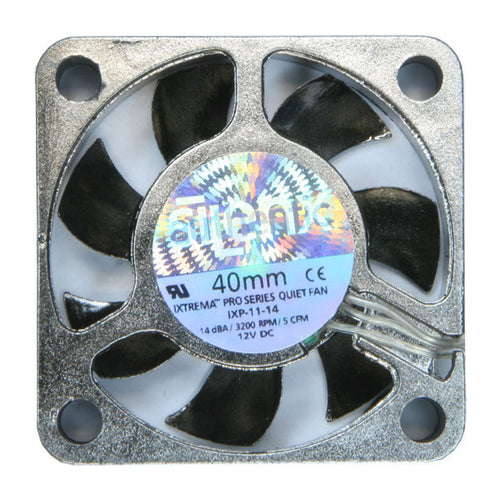
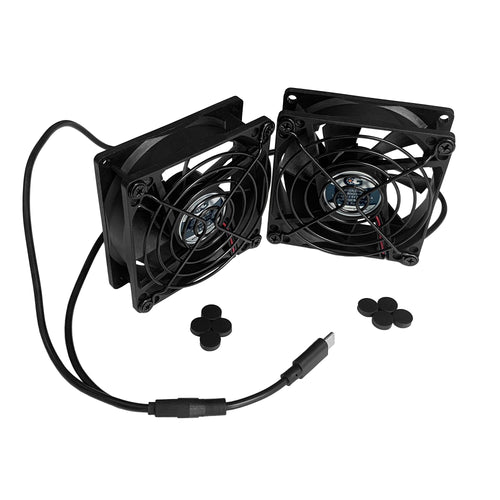
I replaced an older buttonless unit (it had a fixed on/off temp and only 2 fan connectors) and this unit is very intuitive to use and easy to set up. Kits made directly for cabinets are automatically more expensive because, well, they know you are fancy because you have enough equipment you need to cool an entire cabinet. This lets you pick and choose computer grade fans (I chose the Silenx ones, which, even as the most expensive computer case fans don't approach the dedicated cabinet units) and there are tons of low cost splitters, extensions, etc for the 3 pin fans out there.
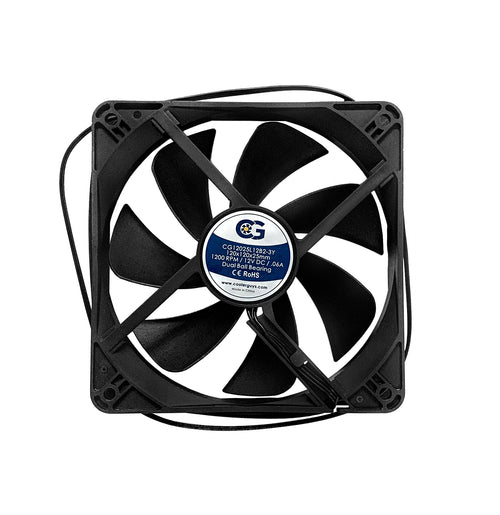
I have a PS3 on a shelf on top above a DVR on top of a receiver. The PS3 used to go into the very loud, movie ruining high speed fan mode during blu-ray playback. I wanted to keep all the gear neatly tucked into the cabinet, so, I drilled 3" holes through the sides and one out the back, and installed 80mm (the most common size) fans and connected it to this controller.
Automatically turns on at (86 in my case, you get to pick) and the off again at (I chose 82.) What I like is, since it is thermally controlled at via the probe you put by the source of the heat, the fans stay on to cool the PS3, etc after it is off.
Great inexpensive approach to the fancy and expensive world of cabinet cooling. All you see in my installation is the display, which was SO bright I had to put 2 layers of red lens repair tape over it to make it not distract from watching TV.
2 of 2 found the following review helpful:
perfect - works greatJul 29, 2011
By DavidA Easy to install and operate. Temperature sensor seems to be accurate within 1 or 2 degrees F. Great product with quick delivery and reasonable price. Note that the controller does not come with a mounting bracket that must be ordered separately.
1 of 1 found the following review helpful:
PerfectApr 24, 2011
By SOB I bought this thermal controller to keep my AV cabinet a little cooler. it can control plenty of computer case style fans and it is easy to program. the display is very bright ( i wish it could be dimmed) but Ive had it in there for over a year and its still working perfect. Pretty trick little gadget that people are always asking me about.
keepin it coolMar 02, 2012
By GlobalAMP this thing looks super cool and works perfectly. i just wish there were more housing options. i have to admit that the first time i turned it on and it kicked all four fans on automatically i got excited like a little kid. :]
Awesome affordable fan controllerDec 29, 2011
By AV Engineer
"AudioExpertise"
I purchased this fan controller to provide active thermal management inside cabinetry for some A/V gear. This controller and the optional shelf mount worked perfectly mounted on the top of our equipment racks. I used Skythe? Fans which are extremely quiet. This complete system is very quiet and less expensive than the ATM systems Equipment rack manufacturers are selling right now. Wiring up the system takes some patience, but I think it's worth it.
See all 8 customer reviews on Amazon.com
| | |
|